Risk Controls
Set per-trade risk, review open positions, and manage your own desk — without building GRID/DCA robots or AI Presets.
Access XAUUSD signals, paper trading, supported MT5 account connections, performance analytics and risk tools through the QENREX Android app. Feature availability depends on your plan.
 GET IT ONGoogle Play
 Coming soonApp Store
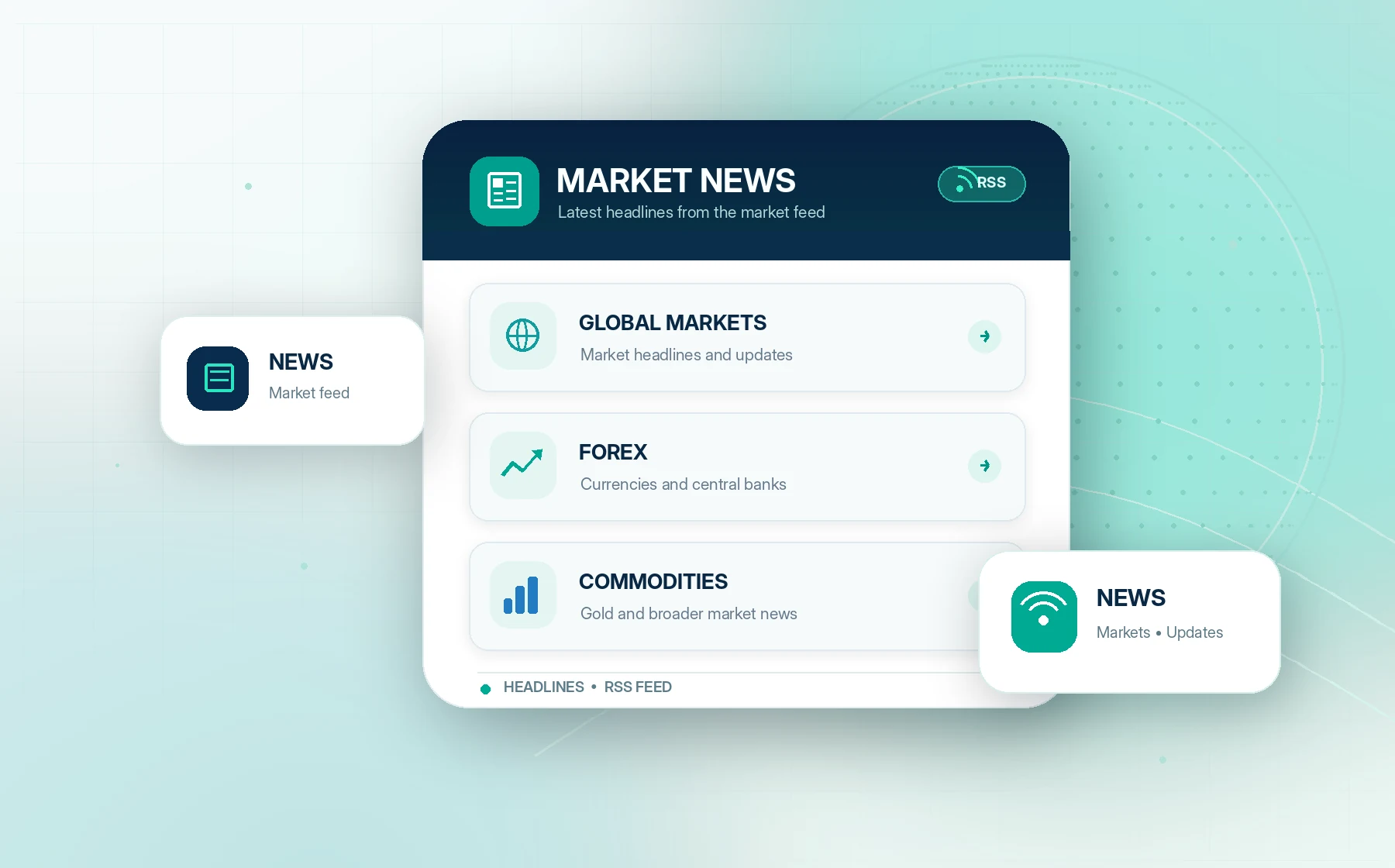
RSS headlines in the News tab — not a live economic calendar UI.
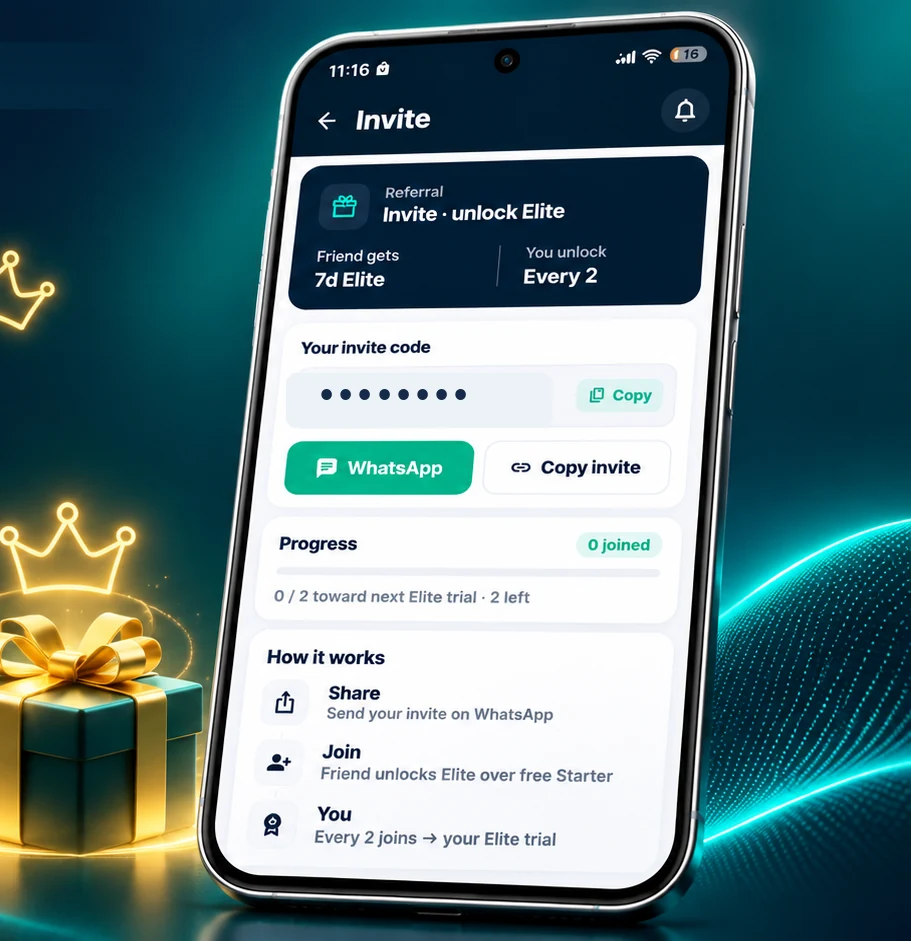
In-app referral rewards — separate from the Affiliate Partner Program.
Manual trading on a phone is hard — tiny charts and constant monitoring. QENREX keeps a Gold Signal Desk, Paper Trading, and Signal AUTO Follow in one Android app so you can practice first and connect Live MT5 when ready.
Set per-trade risk, review open positions, and manage your own desk — without building GRID/DCA robots or AI Presets.
Follow supported gold signals onto paper or Live MT5 (Pro+). Desk processing continues server-side while you keep unlink and risk control.
See published XAUUSD Entry, SL, and TP levels on Home. Follow supported setups on paper or Live MT5 — feature access depends on your plan.
When AUTO Follow is on, QENREX can book supported signal entries for you. It follows the desk signal path — not a GRID/DCA bot builder.
Review Paper and Live outcomes on the Performance tab — orders, volume, and realized P&L style views for the connected desk.
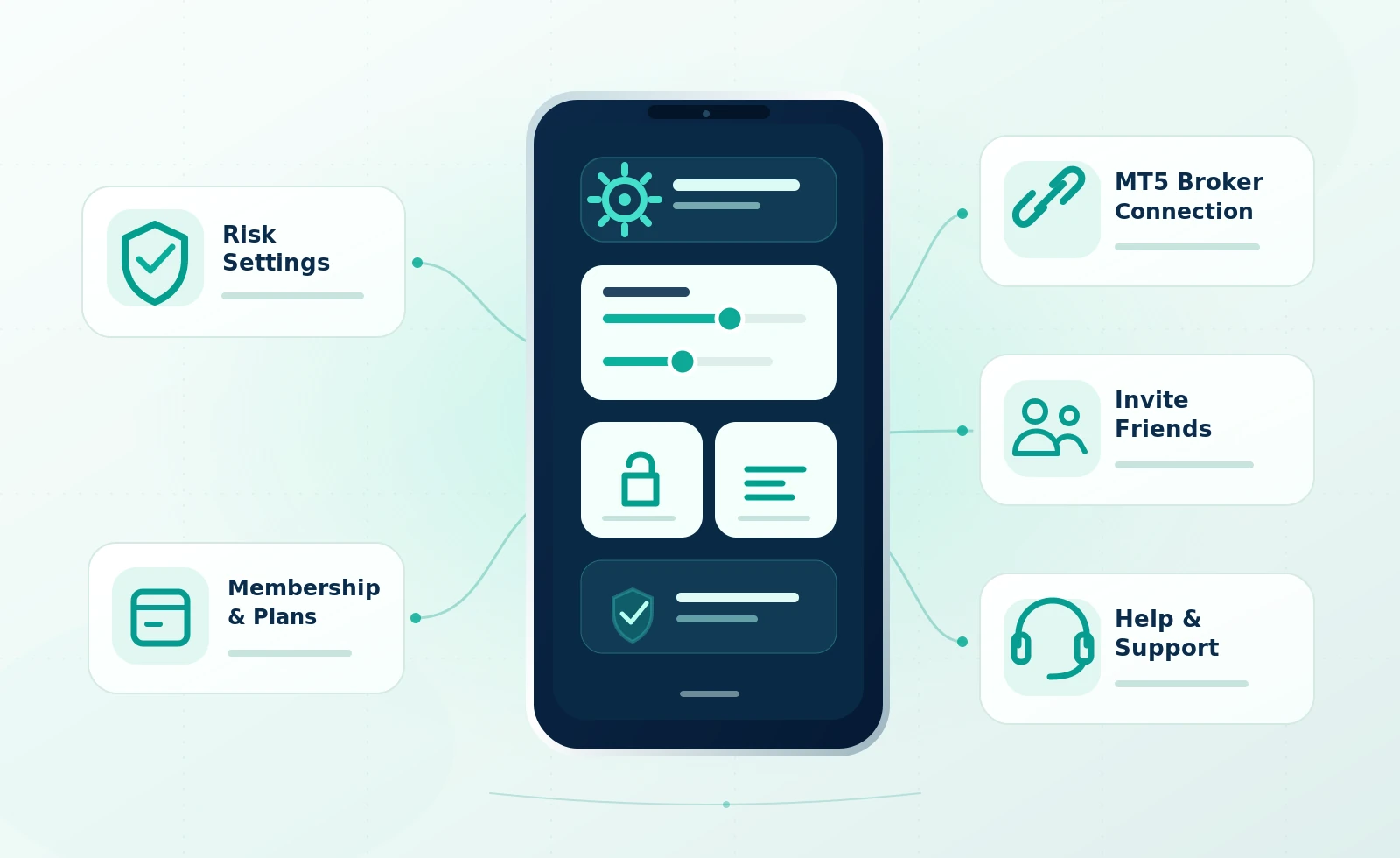
Set Risk Controls, skim Market News, Invite Friends, and reach Support chat. Optional Telegram alerts for gold signal updates.
Connect supported MT5 brokers on Pro+. Funds stay on your broker account — QENREX never holds deposits.
Link partner MT5 brokers from Connect. Pro unlocks live desks; Elite adds more MT5 slots. Confirm current brokers in-app.
Choose a per-trade risk percentage used for paper and Live sizing. Feature availability depends on your membership plan.
QENREX partners with supported MT5 brokers for a dependable Live path. Always verify the live Connect catalog in the app.




Practice on paper, follow supported gold signals, then connect Live MT5 — without claiming unreleased bot builders.
Signal AUTO Follow can book supported XAUUSD setups on paper (and Live MT5 on Pro+) while desk processing runs server-side — you still control risk and disconnect.
Set per-trade risk once so sizing stays consistent from Paper Trading to Live MT5 — less impulsive resizing on a phone screen.
Paper and Live Performance Analytics help you review outcomes on the same desk workflow — not a noisy bot farm dashboard.
Review XAUUSD setups on the desk, skim Market News in-app, and use educational TradingView resources on the site when you want deeper charting context.
Use TradingView for analysis, then manage the same gold workflow on QENREX — paper practice, AUTO Follow, and Live MT5 when ready.
TradingView analysis + desk →QENREX never holds deposits or withdrawals. Connect MT5 when you are ready.
Paper book first — same desk levels, virtual funds, no real capital at risk.
Get QENREX on Android via Google Play. Apple App Store — Coming soon.
Practice first. Live trading only after you choose.
Get it on Google Play